Running promotions across products can become difficult to manage
Managing discounts manually across different products, categories or campaigns can create pricing mistakes and make promotional activity harder to control.
Ecommerce management software for Bangladesh
PQCommerze marketing and ads analytics helps ecommerce businesses in Bangladesh create promotions, connect Meta product catalogs and measure ad spend, orders, revenue and ROAS.
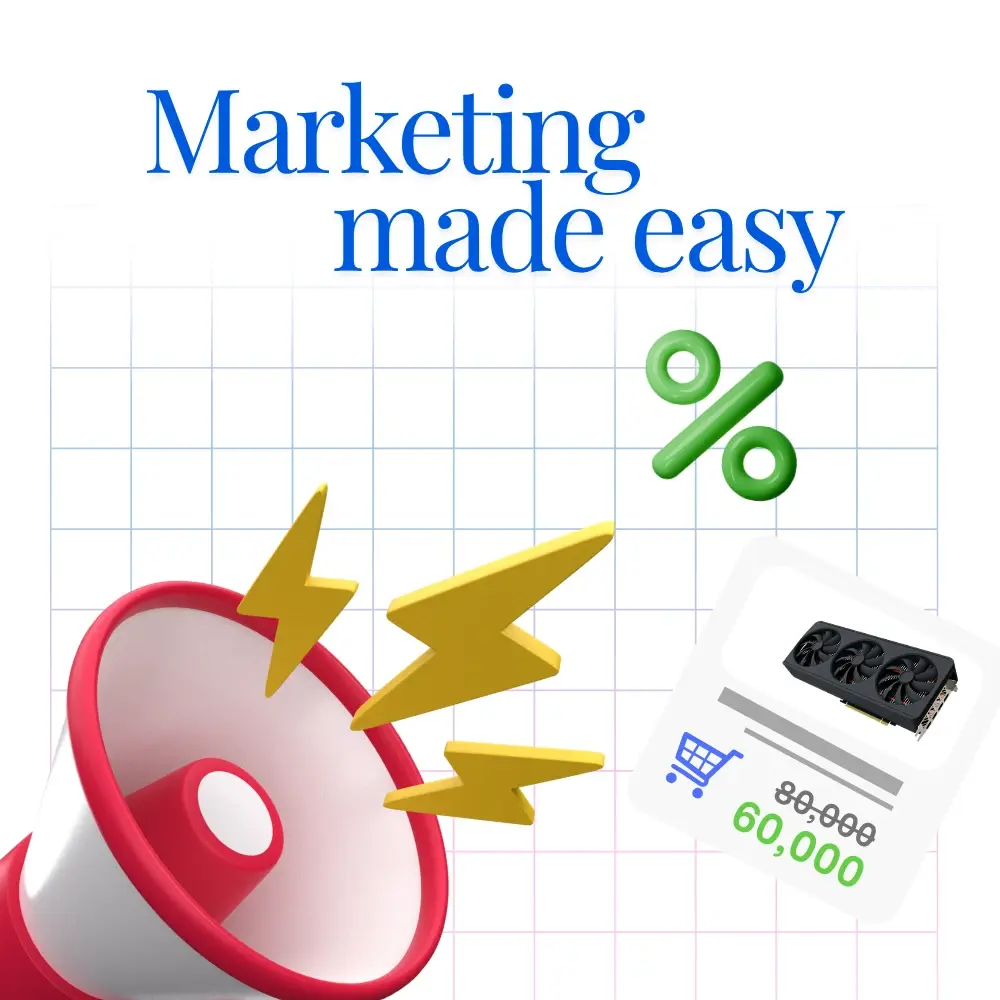
Managing discounts manually across different products, categories or campaigns can create pricing mistakes and make promotional activity harder to control.
Ad platforms can show clicks and conversions, but merchants still need to understand whether those campaigns resulted in real orders, delivered sales and meaningful revenue.
Ad spend may live inside Meta while orders and revenue live inside the ecommerce system, making it harder to evaluate true campaign performance.
Privacy restrictions, browser limitations and blocked tracking can reduce the amount of conversion data available through traditional browser-based pixels.
When product information, pricing or availability changes, manually updating advertising catalogs can become repetitive and error-prone.
Promotions may increase order volume without necessarily improving profitability if discount value, delivery cost and campaign performance are not reviewed together.
Build percentage discounts, fixed discounts, product-based promotions, category campaigns, coupon codes and delivery offers from one place.
See how promotions influence orders, revenue, discount value and conversion activity instead of evaluating campaigns in isolation.
Compare ad spend with attributed orders, revenue and estimated profit to better understand campaign performance.
Generate product feeds for platforms such as Meta without maintaining a completely separate advertising catalog manually.
Use Meta Pixel together with server-side Conversions API signals to provide a more complete picture of storefront conversion activity.
Compare campaigns based on spend, revenue, orders and profitability, while keeping discounts, products, catalog data and campaign performance connected to the same operational system.
Step 1
Choose the products or categories you want to promote and configure a percentage discount, fixed discount or other supported offer.
Step 2
Define campaign dates, activation status and other conditions according to the promotion you want to run.
Step 3
Create coupon codes or shipping offers such as free delivery when required.
Step 4
Apply the campaign to your storefront and supported order workflow.
Step 5
Generate a product catalog feed and connect it with supported platforms such as Meta.
Step 6
Use your product catalog and storefront to promote selected products and collections through advertising campaigns.
Step 7
Meta Pixel and Conversions API integrations can send supported conversion information from the storefront and backend.
Step 8
Compare advertising spend, attributed orders, revenue, discount value and estimated profit across a selected period.
Step 9
Use performance data to identify strong campaigns, reduce wasted spend and adjust promotions based on actual business outcomes.
Create discounts for products or categories during Eid, Ramadan, festivals, clearance periods or other promotional events.
Connect storefront activity with Meta advertising and understand whether paid campaigns are generating meaningful orders and revenue.
Generate a product catalog feed for dynamic advertising without maintaining product data separately.
Create targeted coupon campaigns for customers, influencers, special promotions or repeat buyers, and run free-shipping promotions for selected periods.
Compare ad spend, orders, revenue and estimated profit to better understand which campaigns are delivering value.
Centralize promotions, catalog feeds and advertising performance so marketing decisions are based on connected business data.
Create promotions, connect your product catalog, track ad performance and understand which campaigns are generating real business results—all from PQCommerze.