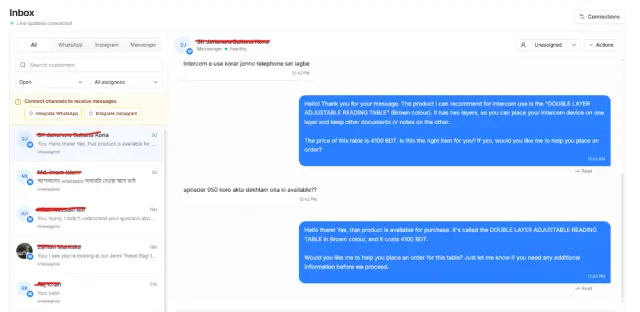
Manual stock tracking becomes harder as you grow
Managing inventory through spreadsheets or separate systems makes it harder to know what is available, reserved, being transferred or already sold.
Ecommerce management software for Bangladesh
PQCommerze inventory management helps ecommerce businesses in Bangladesh track products, variants, stock levels, warehouses, transfers, batches and inventory value from one connected system.
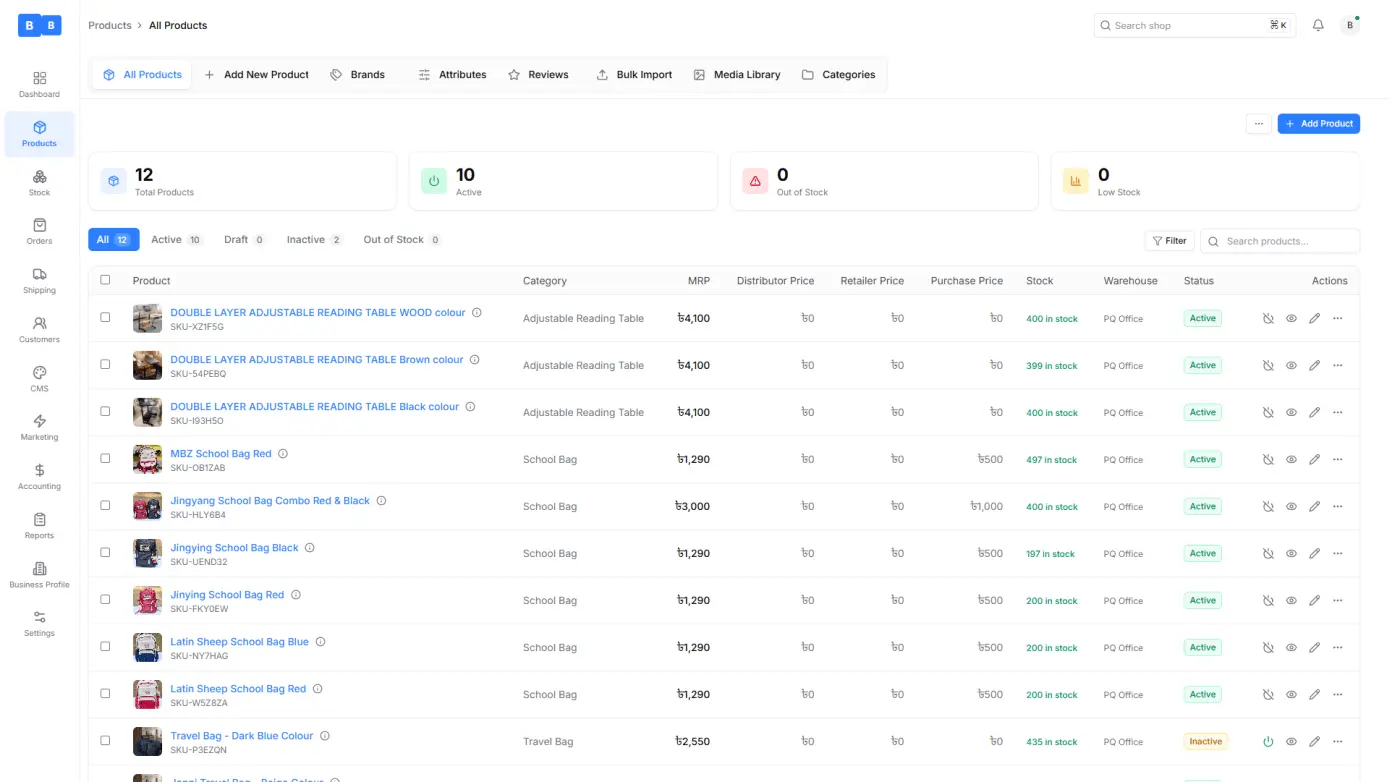
Managing inventory through spreadsheets or separate systems makes it harder to know what is available, reserved, being transferred or already sold.
Sizes, colours, materials and configurations require separate stock and pricing. Without proper tracking, businesses can oversell or update the wrong quantity.
Without a centralized system, it is difficult to know how much stock is available at each warehouse.
Transfers, corrections, wastage and manual changes quickly make records inaccurate when every movement is not recorded.
Without stock alerts and clear reporting, merchants may only notice low stock after orders can no longer be fulfilled.
See current inventory levels for every product and variant from one dashboard.
Manage product details, pricing, variants, SKUs, barcodes and inventory together.
Track stock independently by warehouse and move products between locations with a complete transfer history.
Variant-level inventory helps each sellable option maintain its own available quantity.
Set stock alert levels so your team can identify products that need attention before shortages affect sales.
Monitor stock value using purchase prices and keep a complete record of every transfer, adjustment and quantity change.
Step 1
Add names, SKUs, barcodes, brands, categories, units, descriptions and catalogue information.
Step 2
Create size, colour, material or storage options with separate SKUs, prices and stock quantities.
Step 3
Record available quantities and assign stock to the appropriate warehouse.
Step 4
View available, processing and in-transit quantities while tracking low-stock products.
Step 5
Create stock transfers when products need to move from one location to another.
Step 6
Correct stock after physical counts, damage, wastage, returns or other changes.
Step 7
Review transactions to understand when inventory was added, removed, transferred or adjusted.
Step 8
Use recorded purchase prices to understand the current cost value of available inventory.
Manage sizes, colours, materials or configurations independently while keeping them connected to the same product.
Keep inventory accurate while processing orders from social media and ecommerce channels without spreadsheets.
Keep separate stock quantities for storage locations and centralize tracking as catalogues and daily orders increase.
Track batches and expiry information where inventory needs monitoring beyond simple quantity levels.
Keep a clear record of transfers, corrections, returns, wastage and other stock changes.
Organize products using brands, categories, attributes, SKUs and barcodes efficiently.
Track products, variants, warehouses and stock movements from one connected platform. Reduce inventory mistakes, prevent stock shortages and keep your business ready for every order with PQCommerze.