Managing multiple courier dashboards wastes time
When your business works with several delivery providers, staff may need to repeatedly copy order information, log in to different courier systems, and check statuses separately.
Ecommerce management software for Bangladesh
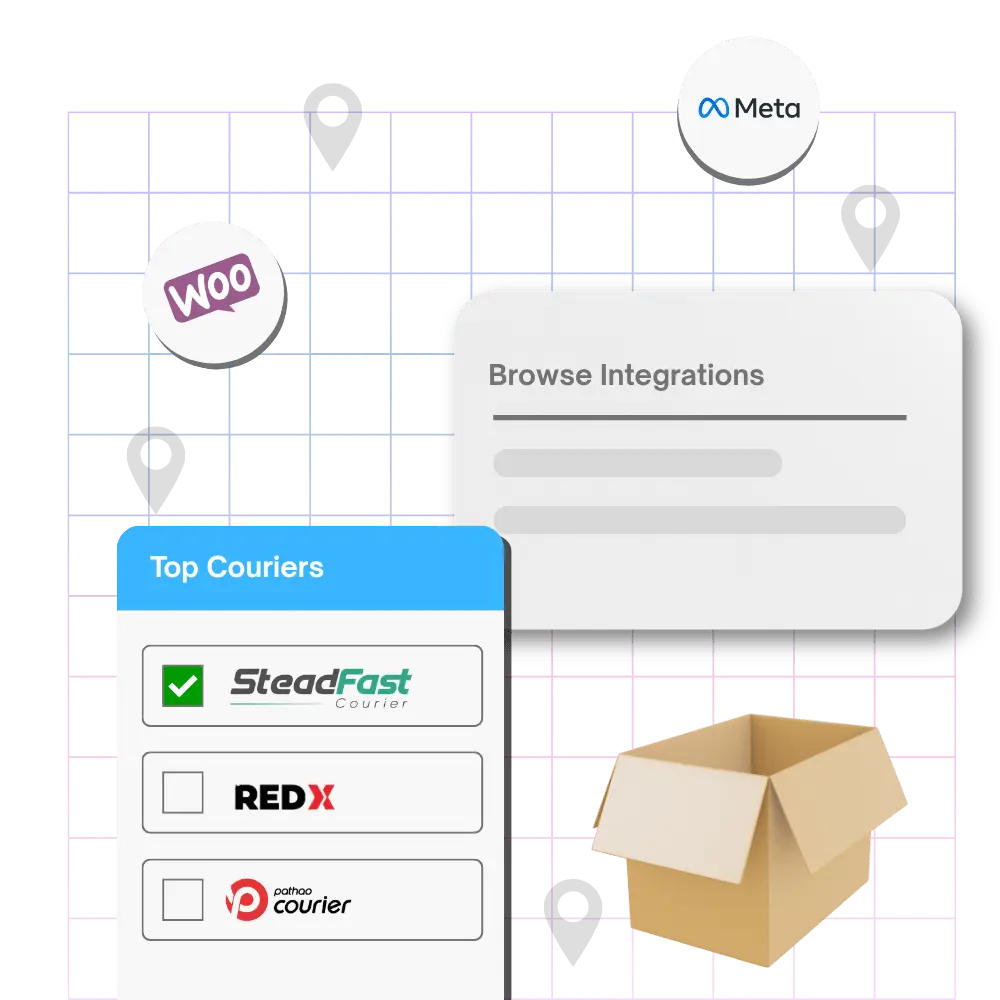
PQCommerze courier management helps ecommerce businesses in Bangladesh connect Steadfast, Pathao, RedX and CarryBee, configure shipping charges, book deliveries and track courier status from one place.
When your business works with several delivery providers, staff may need to repeatedly copy order information, log in to different courier systems, and check statuses separately.
Entering customer names, phone numbers, addresses, COD amounts and order details again for every delivery slows down fulfilment and increases the chance of mistakes.
Different delivery areas, shipping methods and service levels may require different pricing, making it harder to maintain consistent checkout charges.
When courier activity is handled outside the order management system, staff may struggle to see which orders were booked, delivered, returned or still in progress.
Checking multiple courier dashboards throughout the day makes it harder for teams to maintain a clear view of fulfilment activity.
Courier fees, return costs and cash-on-delivery charges can significantly affect the economics of an order if they are not properly recorded.
Send eligible confirmed orders to supported courier providers without manually recreating the same order information elsewhere.
Configure and use different courier providers from PQCommerze instead of depending on separate dashboards for every fulfilment task.
Delivery updates remain linked with the corresponding order, helping staff understand the current fulfilment stage from the same workspace.
Create fixed shipping options with your own names, prices, estimated delivery times and availability rules, or use supported automatic calculations based on location, zone, product weight or destination.
Maintain regular delivery charges, express rates, return charges and COD fees for supported courier configurations.
Use existing order and customer information for courier submissions, then combine integrations with Order Management and bulk processing as daily orders increase.
Step 1
Choose how delivery charges should be calculated and create the shipping methods customers can use during checkout.
Step 2
Add supported courier providers such as Steadfast, Pathao, RedX or CarryBee and configure the required account information.
Step 3
Orders arrive through your storefront or other connected workflows and are reviewed through PQCommerze Order Management.
Step 4
Choose the appropriate supported delivery provider for the confirmed order.
Step 5
Send eligible order, customer, delivery and COD information directly to the selected courier.
Step 6
Generate supported invoices, labels and other documents required for fulfilment.
Step 7
Courier status updates can return to PQCommerze, allowing your team to monitor delivery without repeatedly checking another dashboard.
Step 8
Delivered, failed, cancelled or returned outcomes remain connected to the original order and customer history.
Send confirmed social-commerce orders to supported couriers without manually entering delivery information into separate systems.
Manage several delivery providers from a single operational workflow and choose the appropriate courier for each order.
Process larger numbers of cash-on-delivery orders while keeping booking, courier status and final outcomes connected. Use bulk actions to prepare larger groups efficiently.
Create separate shipping options for different areas, service levels or delivery methods according to your pricing strategy.
Reduce repetitive fulfilment tasks as daily order volume increases by connecting Order Management directly with courier booking.
Keep returned and failed deliveries connected with the original order so your team has a clearer operational history.
Connect your couriers, configure shipping charges, send orders for fulfilment and track delivery progress from one platform. Spend less time switching between courier dashboards with PQCommerze.