Share this article
Key takeaways
- Give every sellable size or color variant its own SKU and quantity.
- Record warehouse transfers as movements between locations.
- Review low stock, physical counts, returns and adjustments each week.
A small catalog can still become difficult to control when one product has several sizes or colors, stock is kept in more than one location, and returns arrive after a sale. This guide uses an illustrative clothing-store example to show what to record.
Why should each variant have its own stock record?
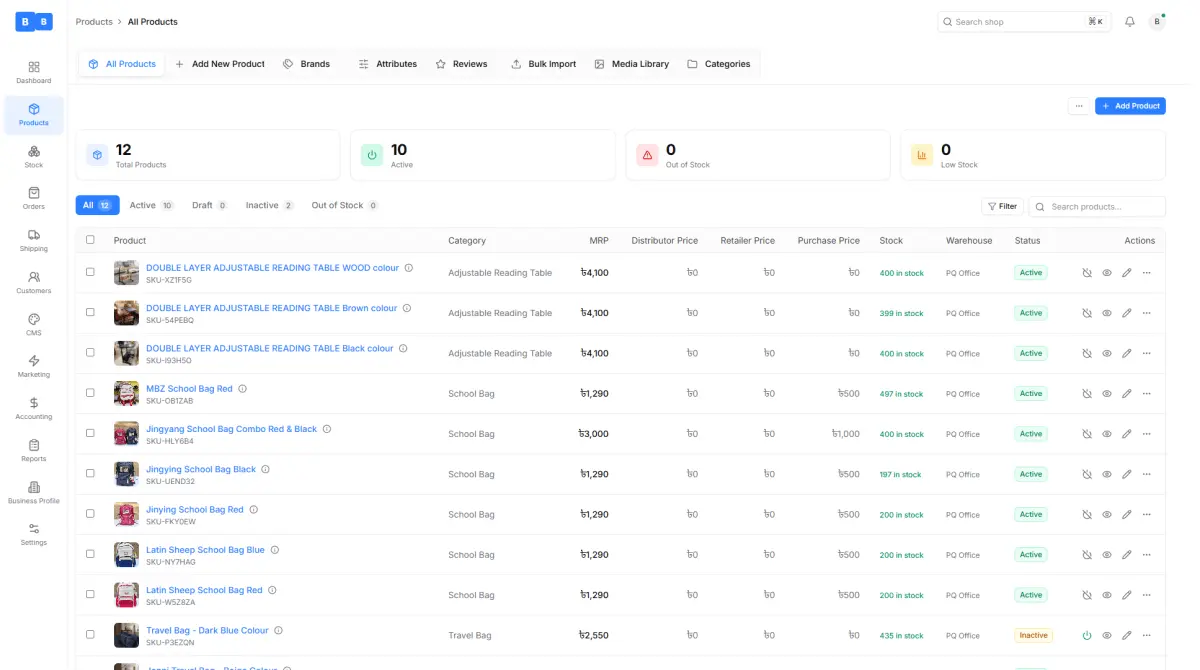
A blue medium shirt and a blue large shirt are different sellable variants. If they share one quantity, a seller may accept an order for a size that is unavailable. PQCommerze lets each variant have its own SKU, selling price, purchase price and stock quantity. Record the SKU consistently when receiving, selling and counting stock.
| Variant | SKU | Opening units | Sold | Closing units |
|---|---|---|---|---|
| Blue / M | SHIRT-BLU-M | 20 | 4 | 16 |
| Blue / L | SHIRT-BLU-L | 12 | 3 | 9 |
The example closing figures are opening units minus units sold. Real stock can also change because of new receipts, damage, returns or manual corrections, so keep those movements separate from sales.
How should multiple locations be handled?
Record stock in the warehouse where it actually sits. If five large shirts move from one location to another, create a transfer instead of adding five to the destination without reducing the source. PQCommerze supports multiple warehouses and stock transfers, so the team can see where each unit is expected to be.
What should a weekly stock check include?
Check low-stock variants, compare recorded quantities with a physical count, and explain any difference before adjusting stock. Review processing and in-transit quantities alongside available stock. Record purchase prices if you use inventory value reports; the value is only as reliable as the recorded cost and movements.
If a returned item is sellable again, record the return and the corresponding stock movement. If it is damaged, do not silently put it back into available stock. A clear movement history makes it easier to understand why a quantity changed.
Explore the PQCommerze Inventory Management feature for the product workflow.